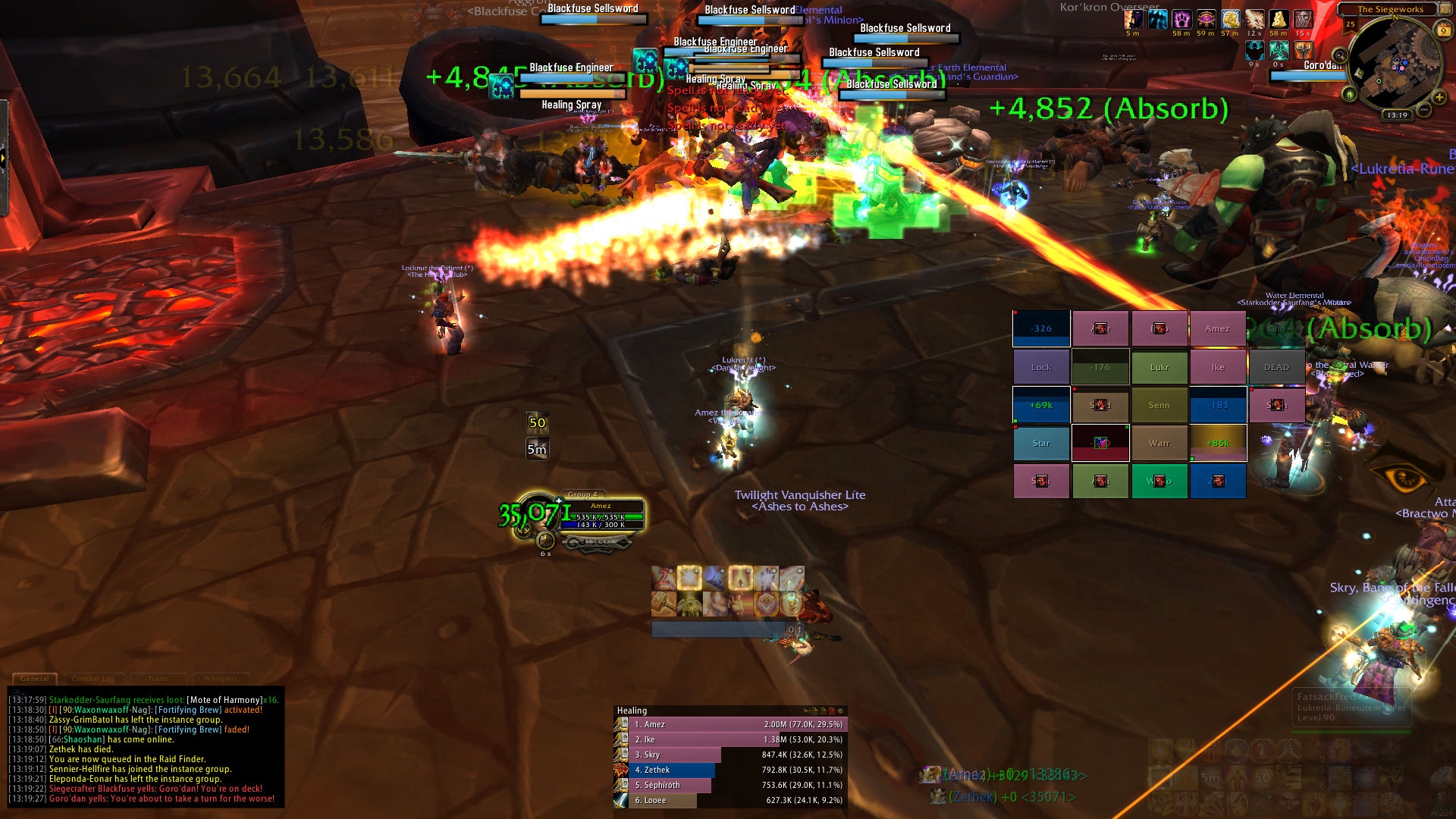
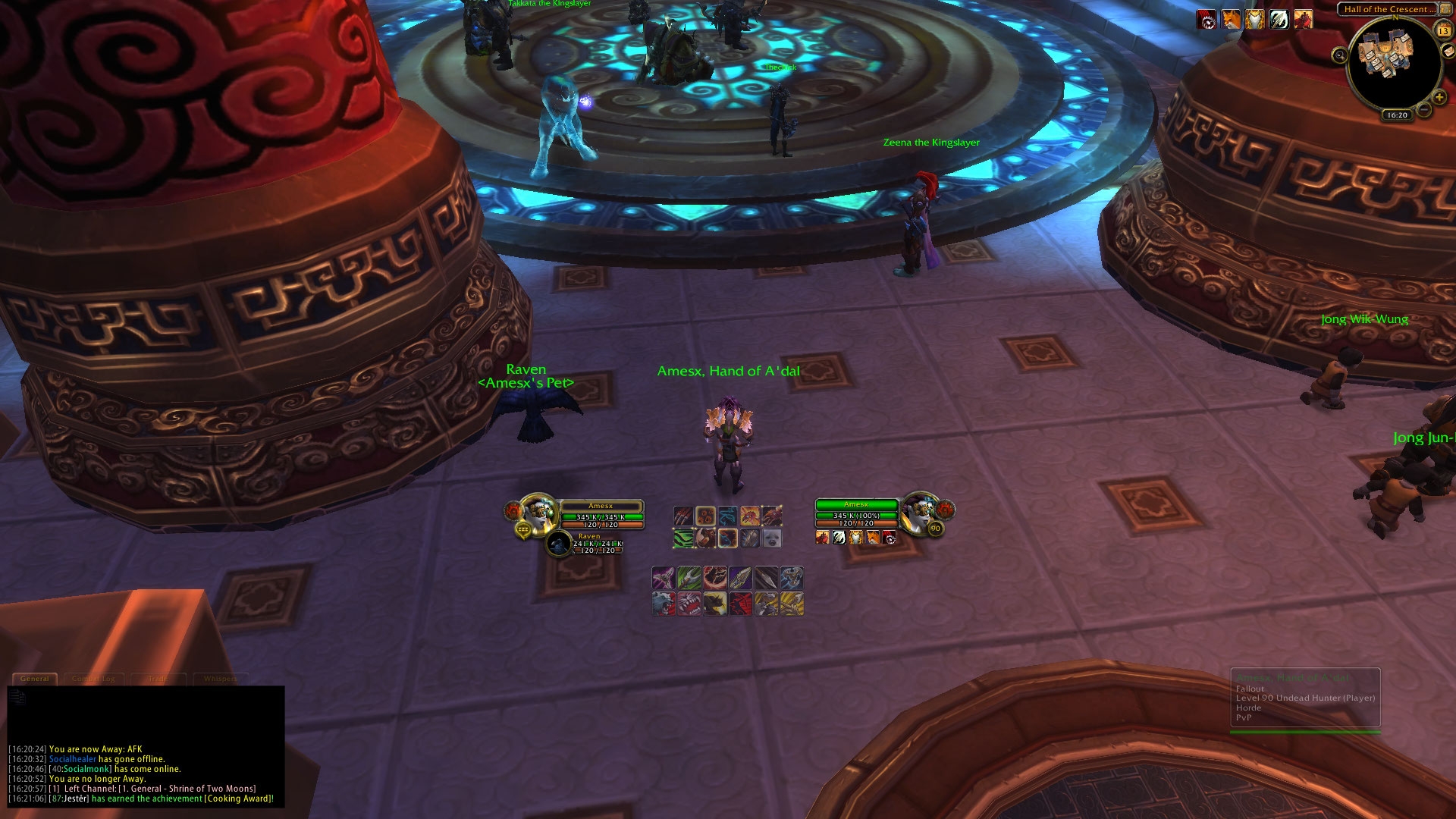
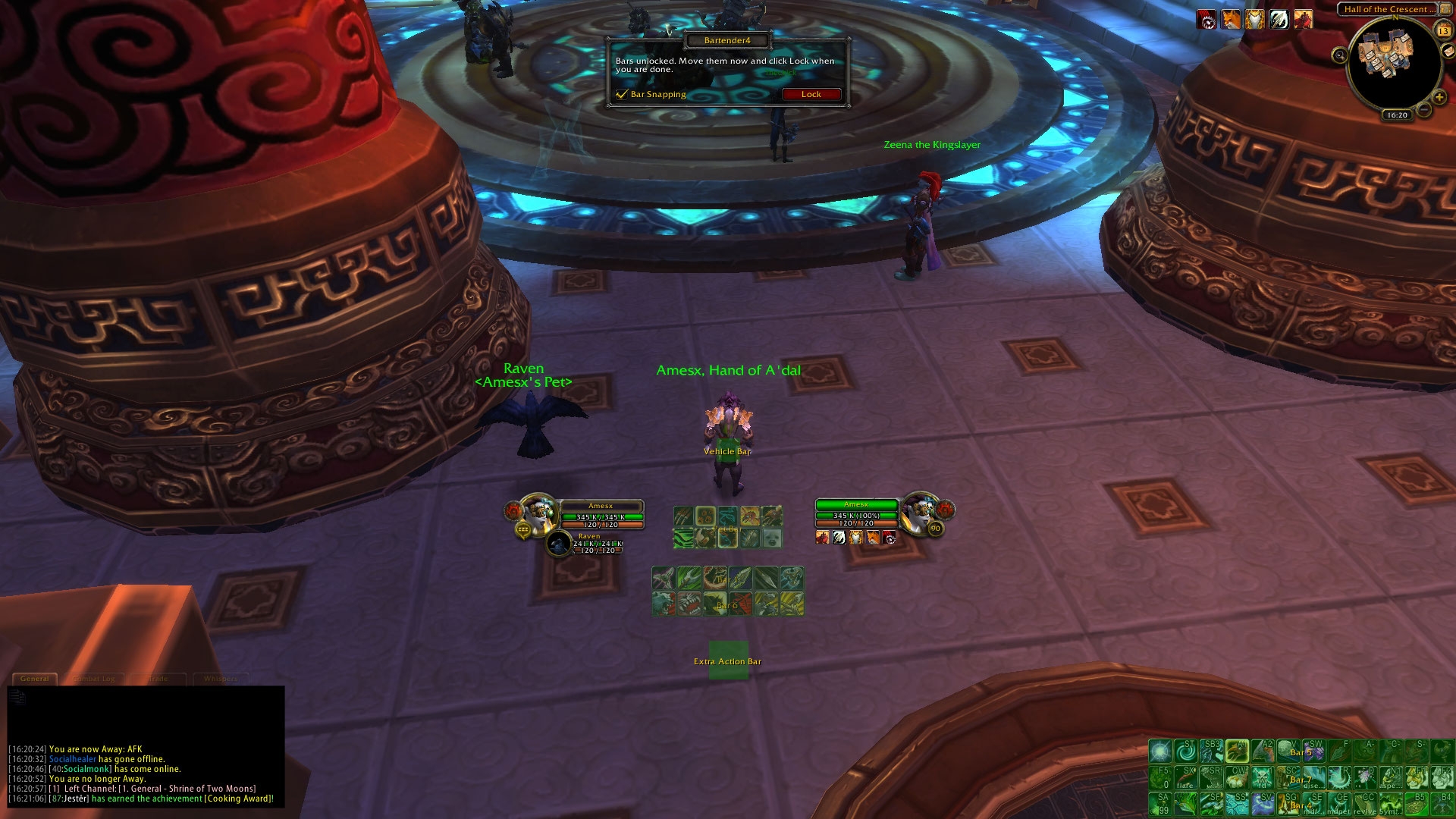
-----------------------------------------
Hey and thanks for your interest in my UI!
To mention: THIS UI COMES WITH MY MACROS. PLEASE READ THE ATTACHED README-FILE.
-----------------------------------------
This is instructions on how to install my UI, however, if you are experienced with UI's, this shouldn't be of any specific use to you.
- BACKUP
Always backup your old UI, select your Interface and WTF folder and SAVE it somewhere else (alternatively compress it).
- INSTALLMENT
Copy the two folders (Interface and WTF) from the file you just downloaded into your WoW folder (example: C:\Program Files(x86)\World of Warcraft\).
Go into the WTF folder and go into the Account folder.
Now replace the following folders with YOUR OWN information:
YOURACCOUNTNAME - Your account name, obviously! (example: WOW1)
YOURSERVERNAME - Your server name, again, obviously! (example: Frostmane)
YOURCHARACTERNAME - You get the drill. (example: Amez)
- FINISHING
Almost done! Now you should be able to start World of Warcraft and log into your account, and it might look a bit different, but don't panic!
Type /bartender and go into the Profiles-tab, select Amez - Frostmane.
That should be it! Hope you enjoy this compilation!
Ames
- ADDONS USED
- AzCastBar
- ActionBarSaver
- AtlasLoot
- Auctionator
- BagBrother / Bagnon
- Bartender4
- ButtonFacade
- Deadly Boss Mods
- Mapster
- Masque
- OmniCC
- Postal
- Prat3
- ReforgeLite
- SellJunk
- Skada
- TargetHealthPercentages
- TidyPlates
- TidyPlates_ThreatPlates
- WeakAuras
- CREDIT
I would like to thank all the authors of these addons I used (listen above). THANK YOU!