Requires: Discord Unit Frames.
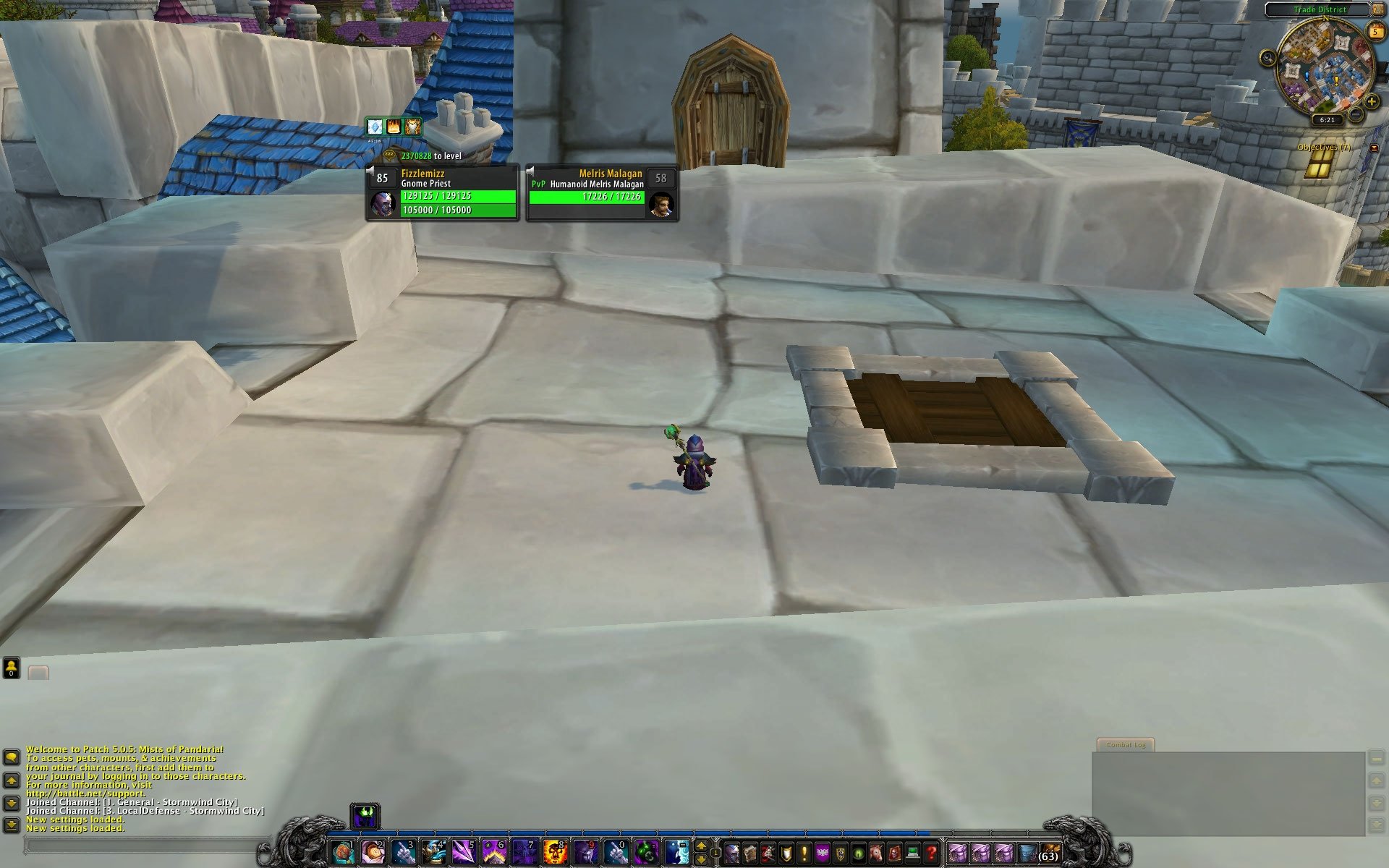
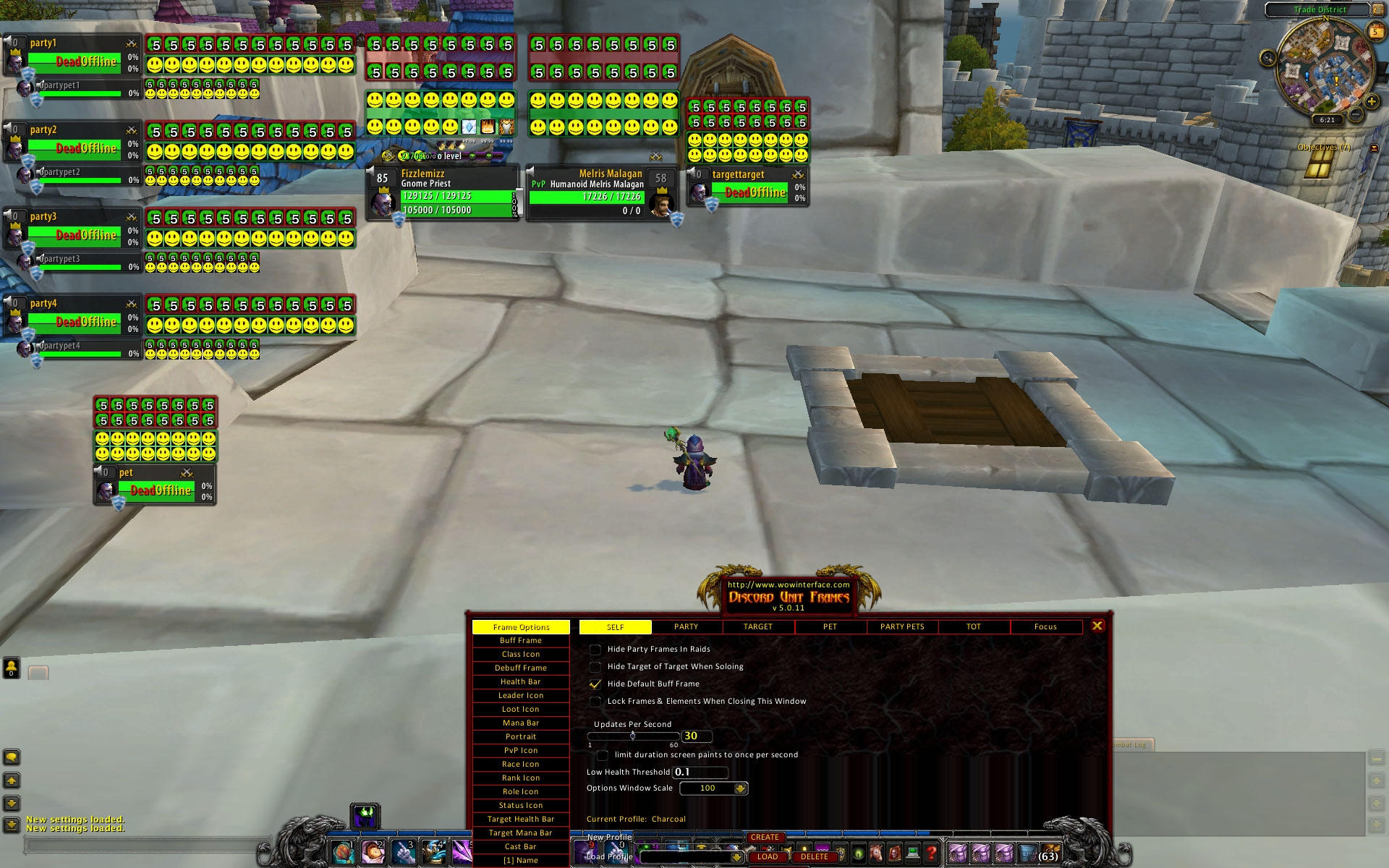
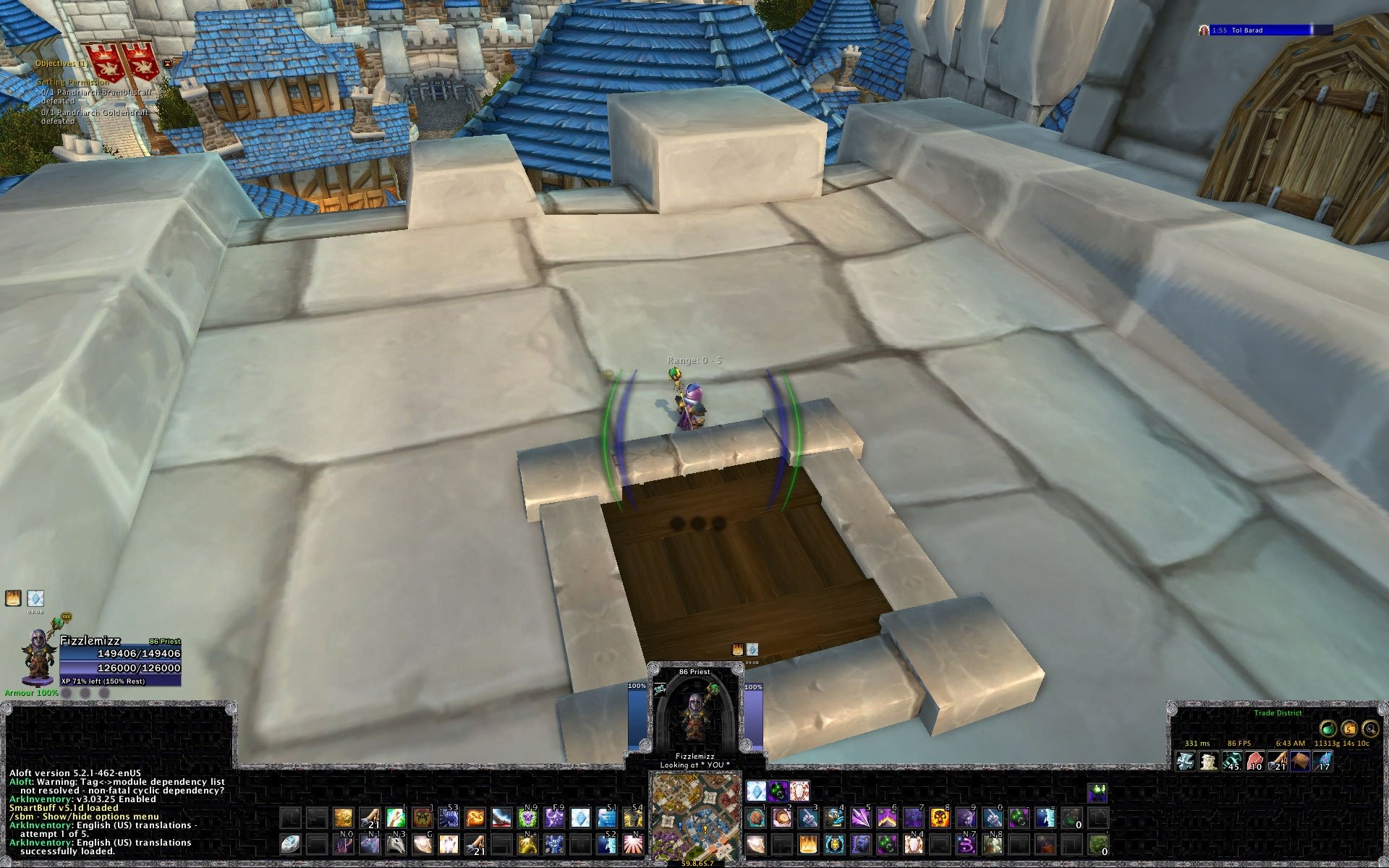
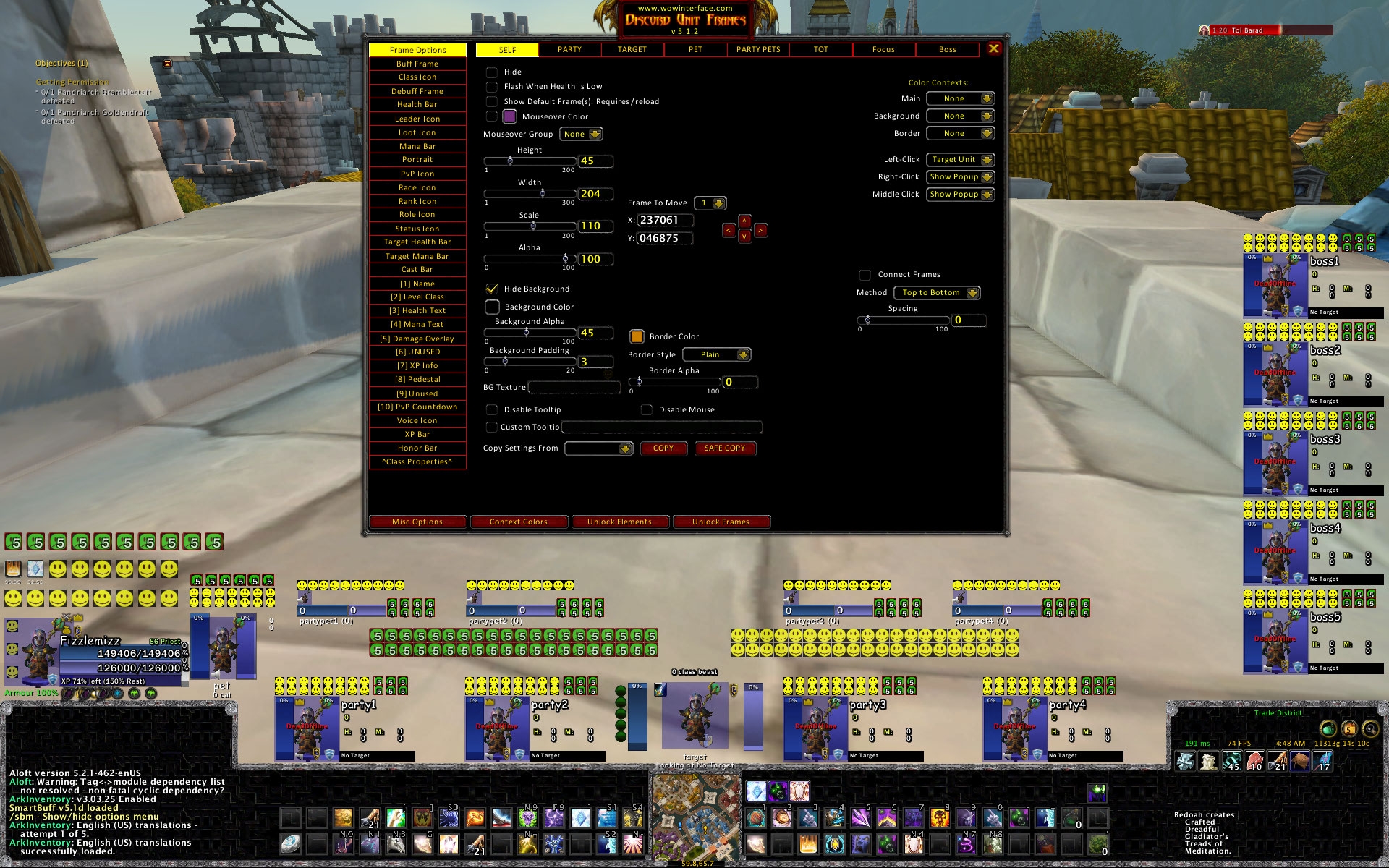
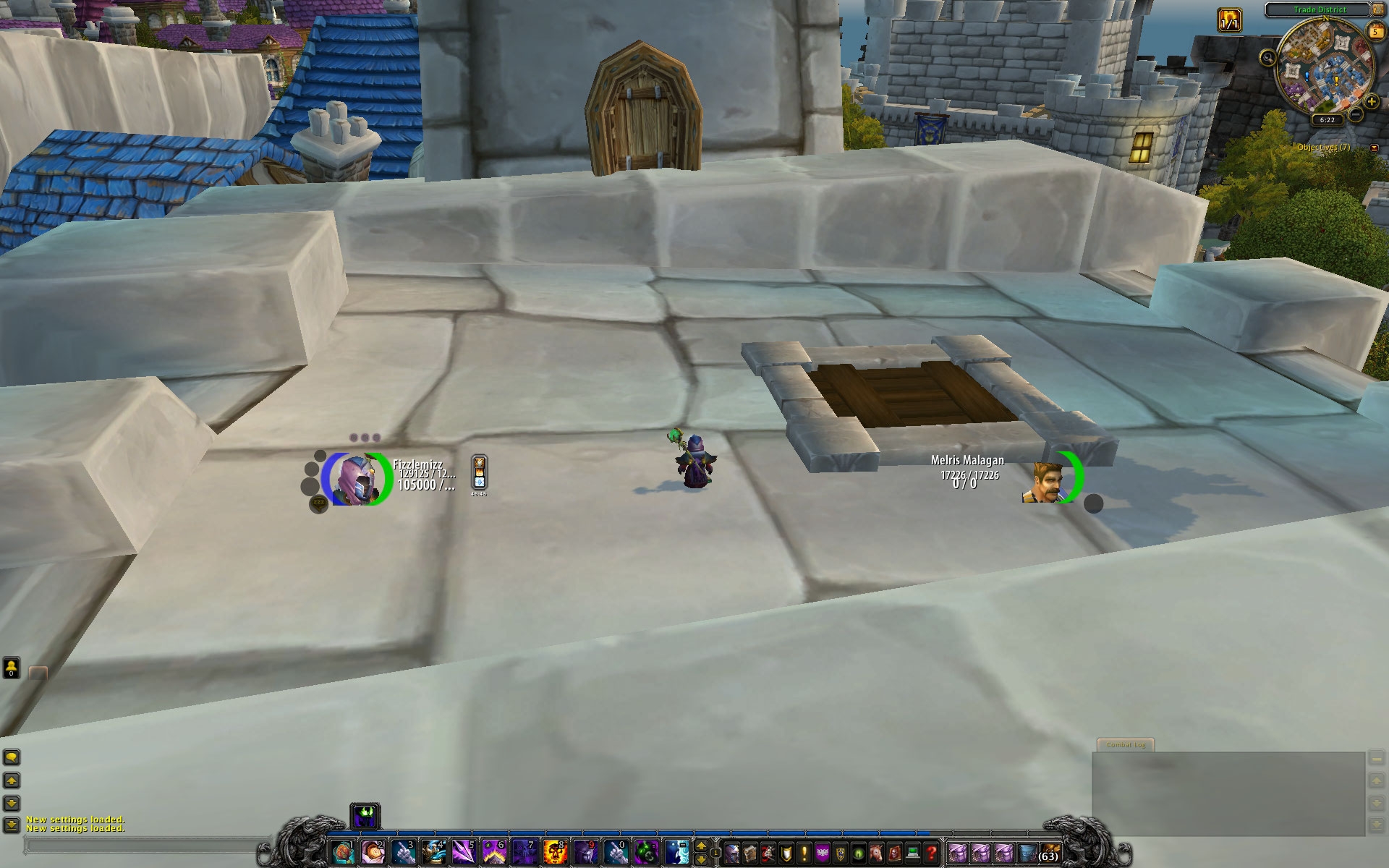
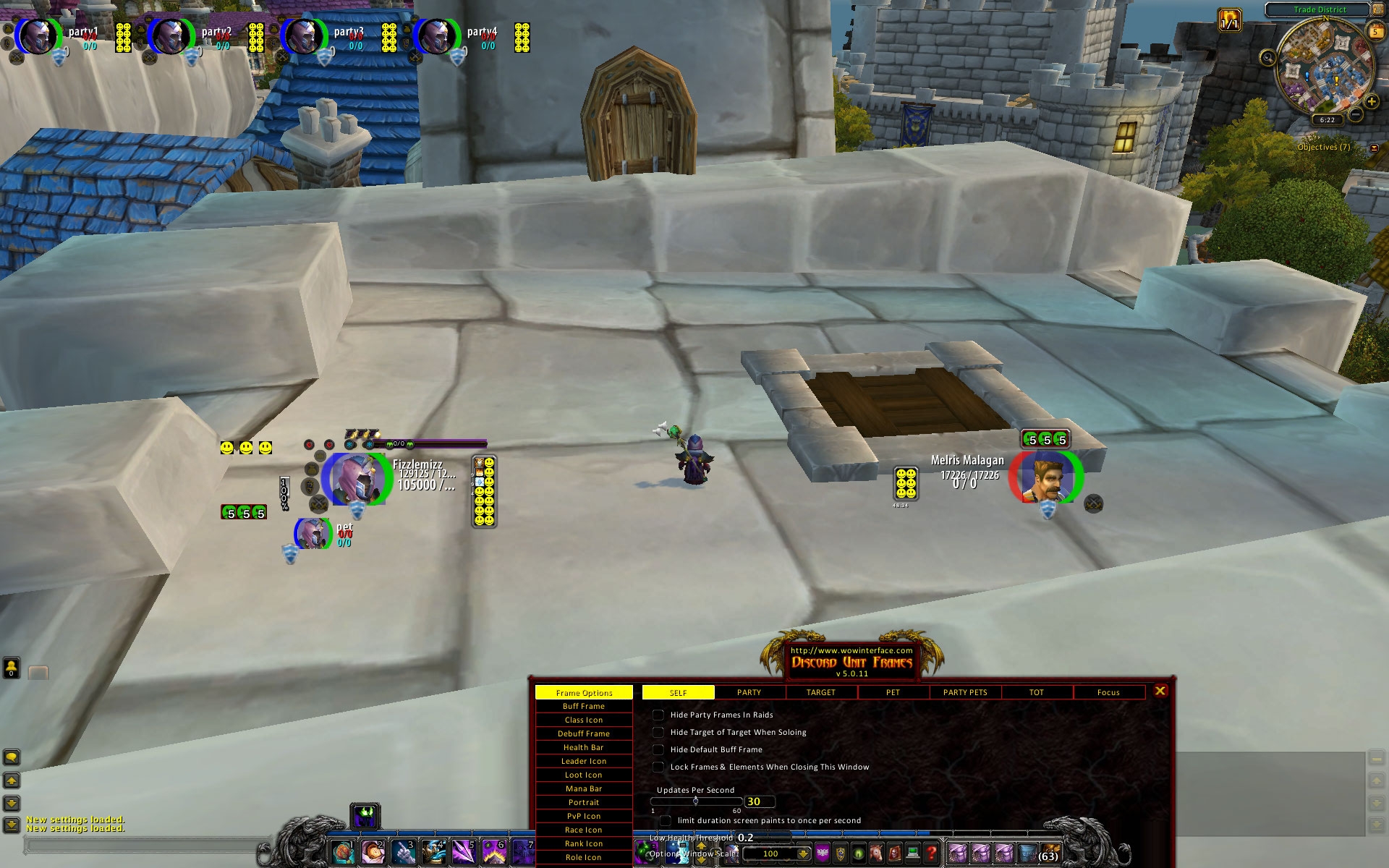
These are set for a screen resolution of 1920x1200 but frames can be moved around.
Changed in version 4
Fixed a configuration for the PartyPet cast bar that could throw an error.
Changed in version 3
- Updated configurations for removal of the rank icon.
- Updated Sin2 to use the flip 2D portrait icon option for the target and boss frames.
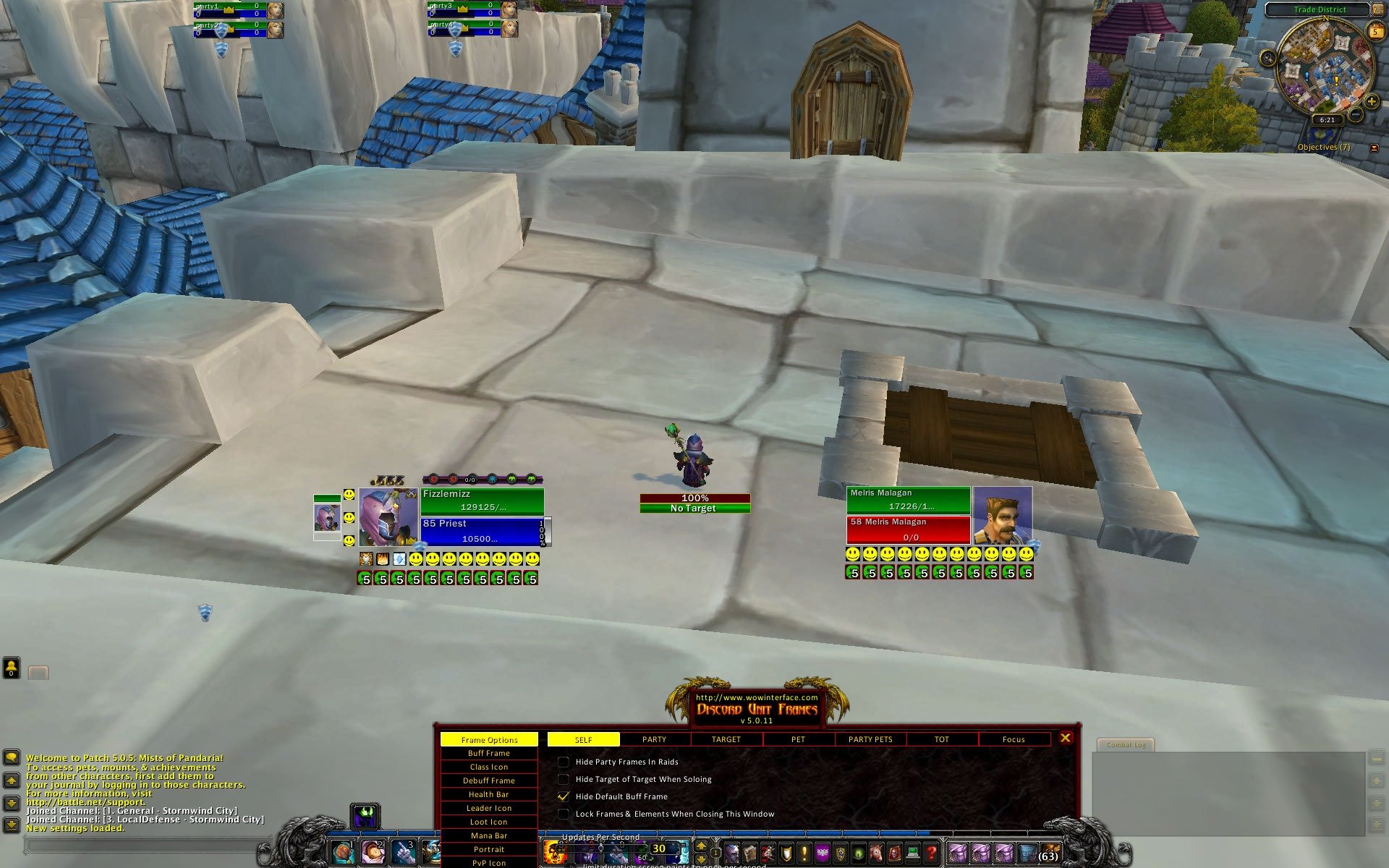
- Updated Fizzle to the latest Fizzle configuration.
- Changed the method of installing the different configurations (now using the DUF extractor from Dreadlorde's DCLE).
For those who don't want to start from scratch with their own Discord Unit Frames setup or those that have fond memories of a DUF setup from times past.
It is with many thanks to
Tellat, three more configurations have been resurrected from the mists of time, brought forward to the Warlords of Draenor and added to the
Mazzle and
Fizzle (same setup as used in
FauxMazzle) options already available.
They are:
Charcoal
Paradigm
Sin(2)
NOTE: Before making the changes described below save a copy of your
[Drive]:\[Programs folder]\World of Warcraft\WTF\Account\[YOUR_ACCOUNT]\SavedVariables\DiscordUnitFrames.lua file.
To use a configuration:
- Unzip the downloaded file and it will create a seperate folder for each configuration.
- Before starting wow, copy a "DUF_Custom.lua" file from the desired folder to the [Drive]:\[Programs folder]\World of Warcraft\Interface\Addons\DiscordUnitFrames folder.
- Log on to a character and type /duf, press the "Misc. Options" button (bottom left), select the "Custom" choice from the "Load Profile" drop list and press the "Load" button.
- If you want to save this configuration and try out others, enter a name for the config. into the "New Profile" box and press the "Create" button. The new name will be added to the "load Profile" list next time you select it.
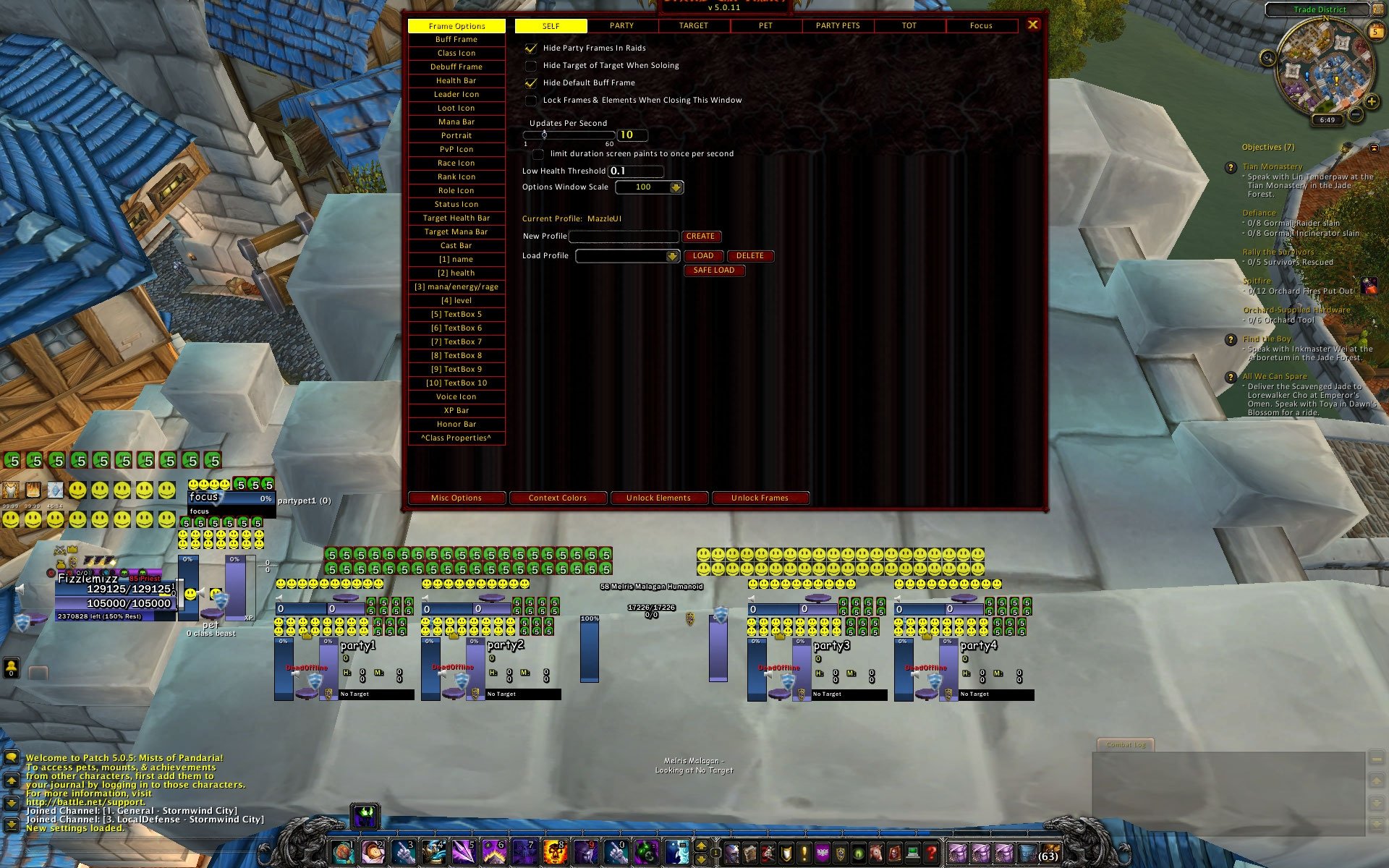
NOTE: The Mazzle configuration does not have portraits.
Mazzlefizz used 3D portrait code of
Mazz's own creation as they were not available in DUF when Mazzle UI was created.