World of Warcraft AddOns
» Stand-Alone Addons
» Buff, Debuff, Spell
»
Power Auras Classic v4 - MoP Version
| Go to Page... |

Patch for:
Power Auras Classic.
Power Auras Classic.
Pictures
File Info
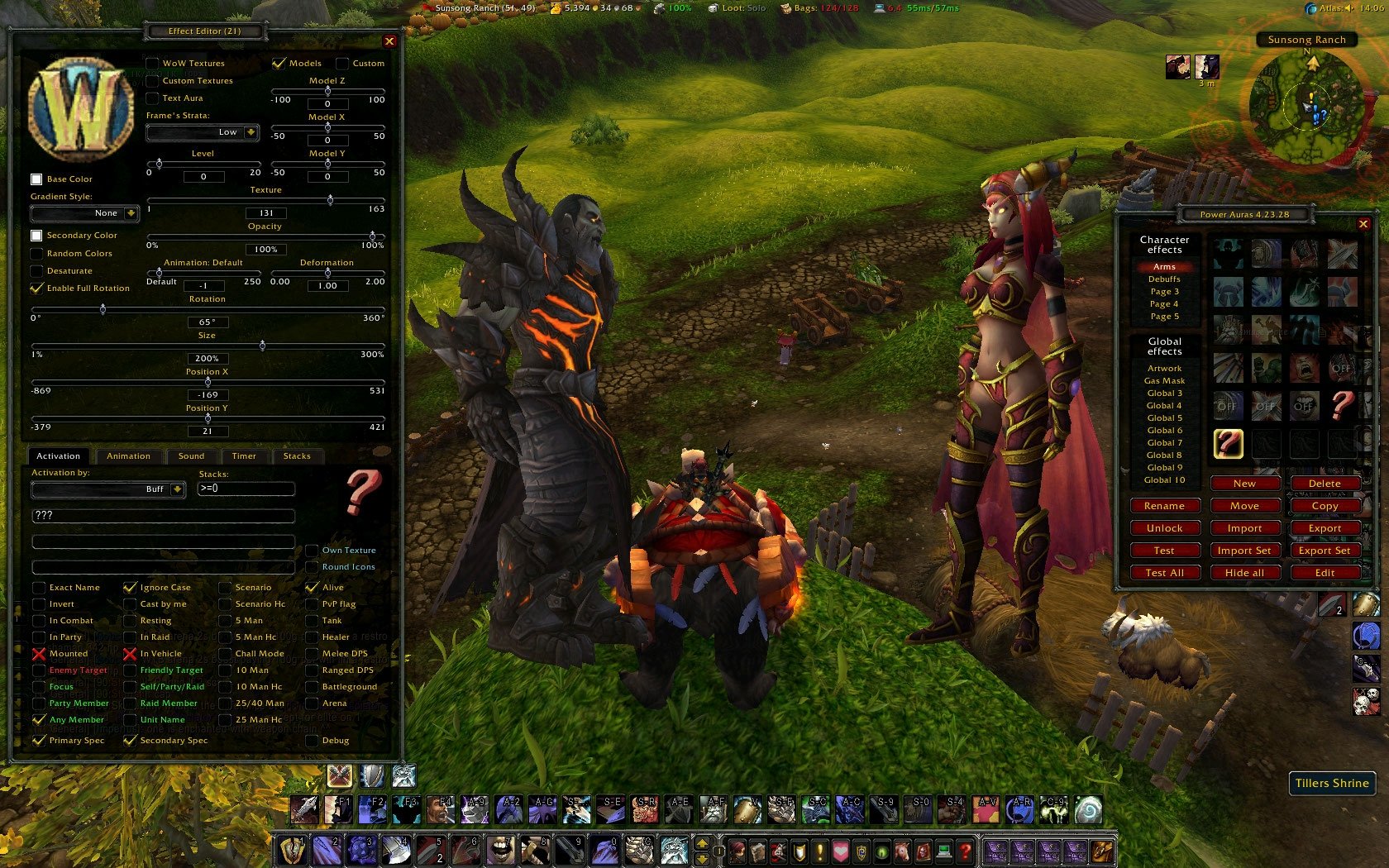

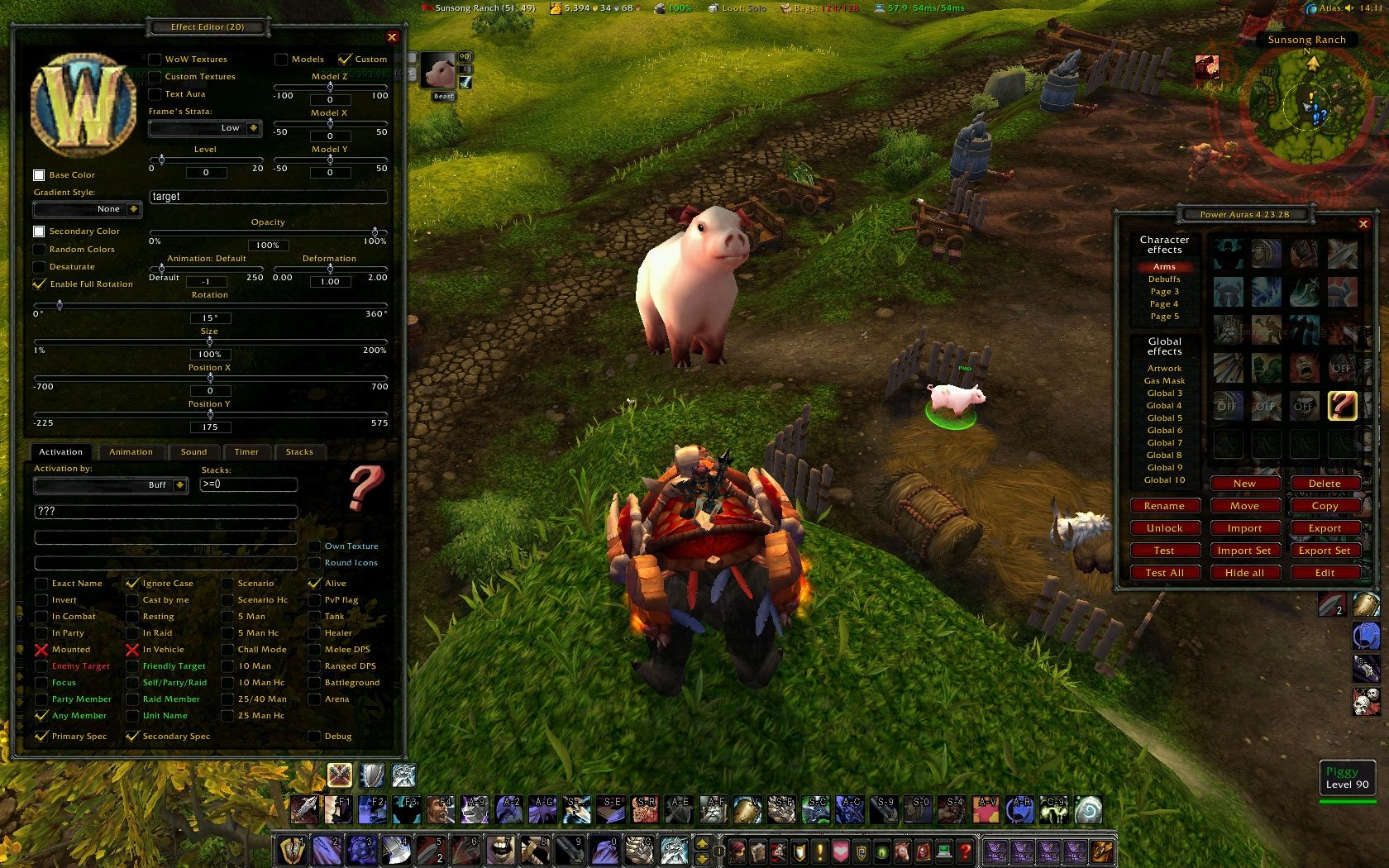
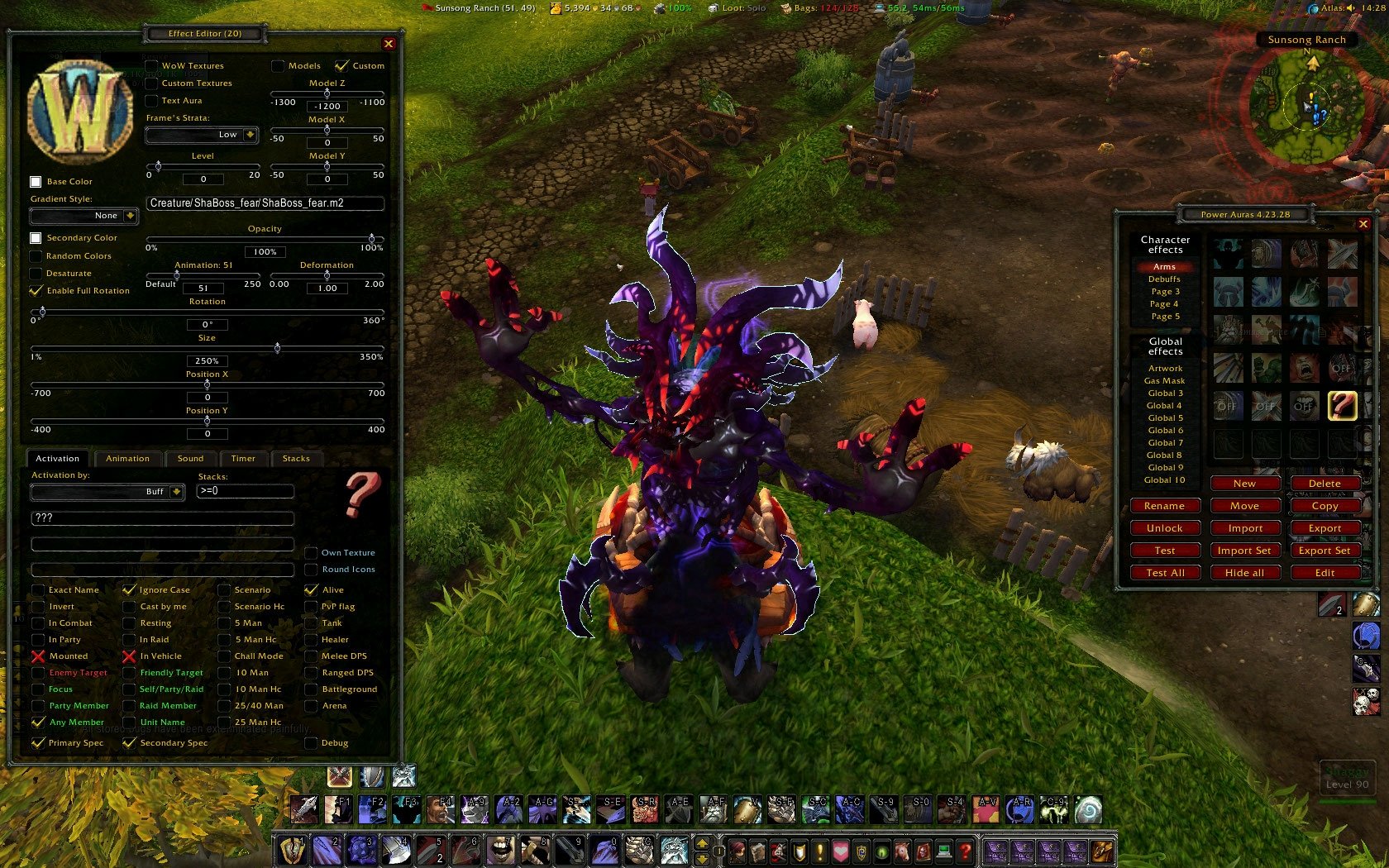
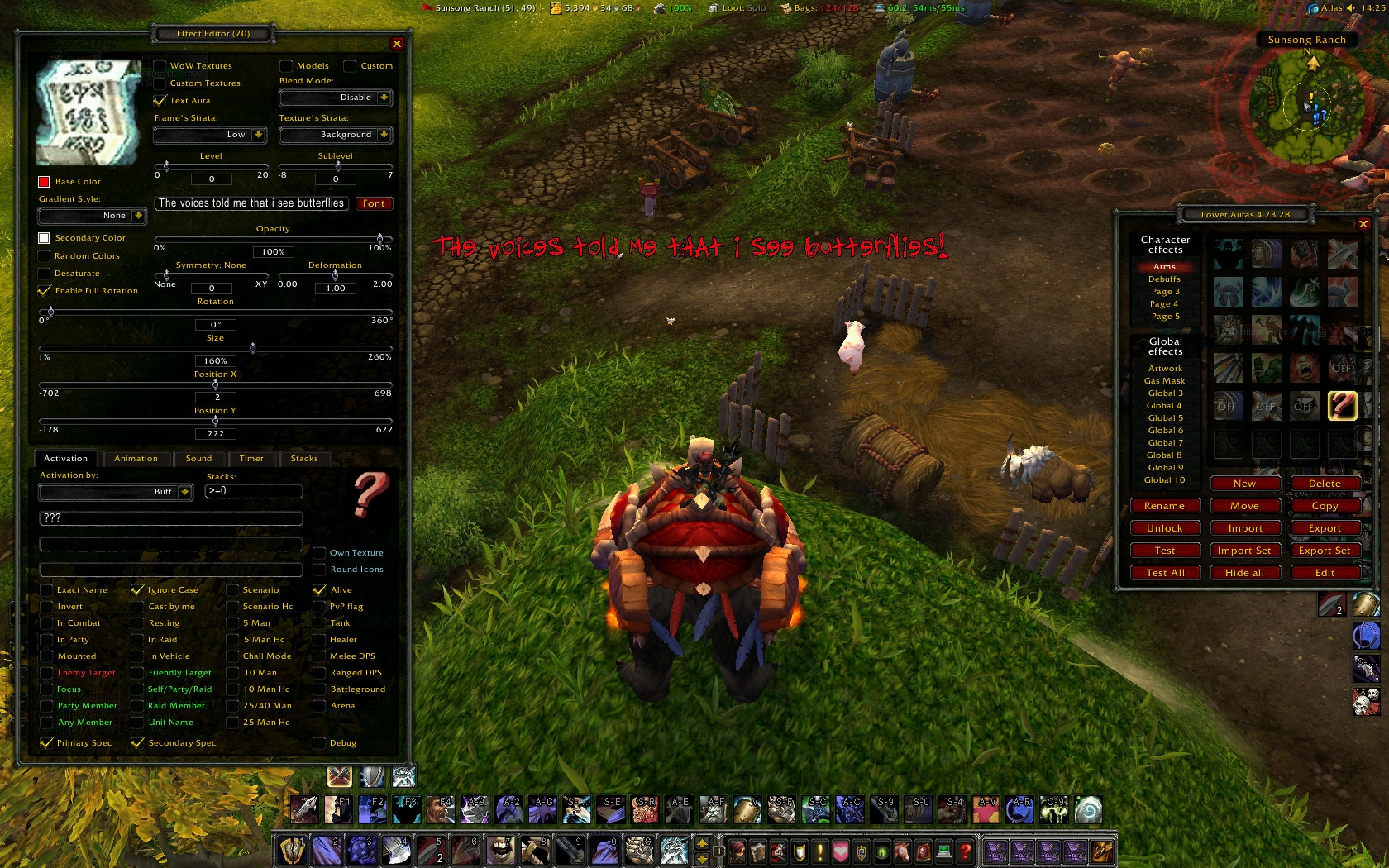
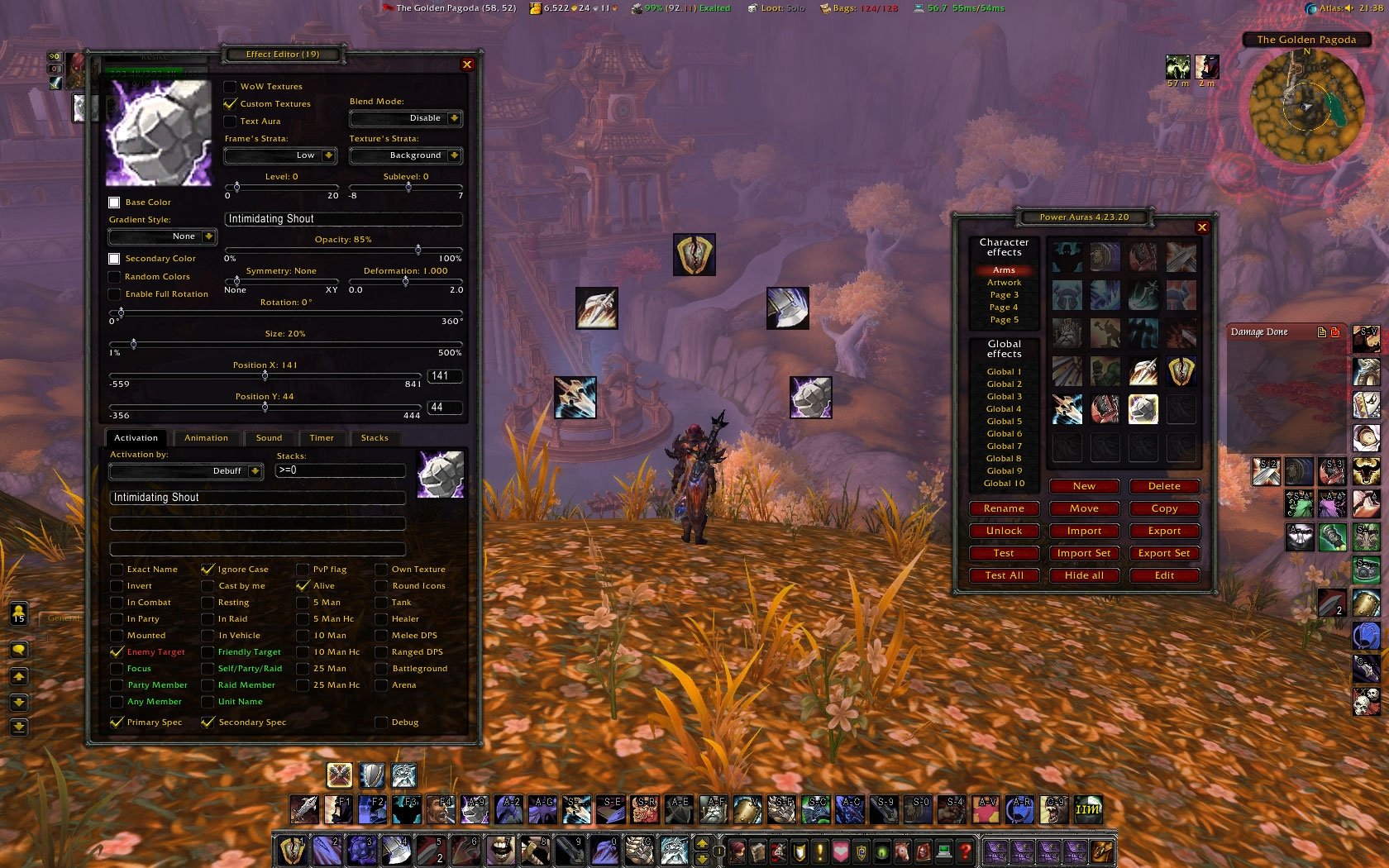
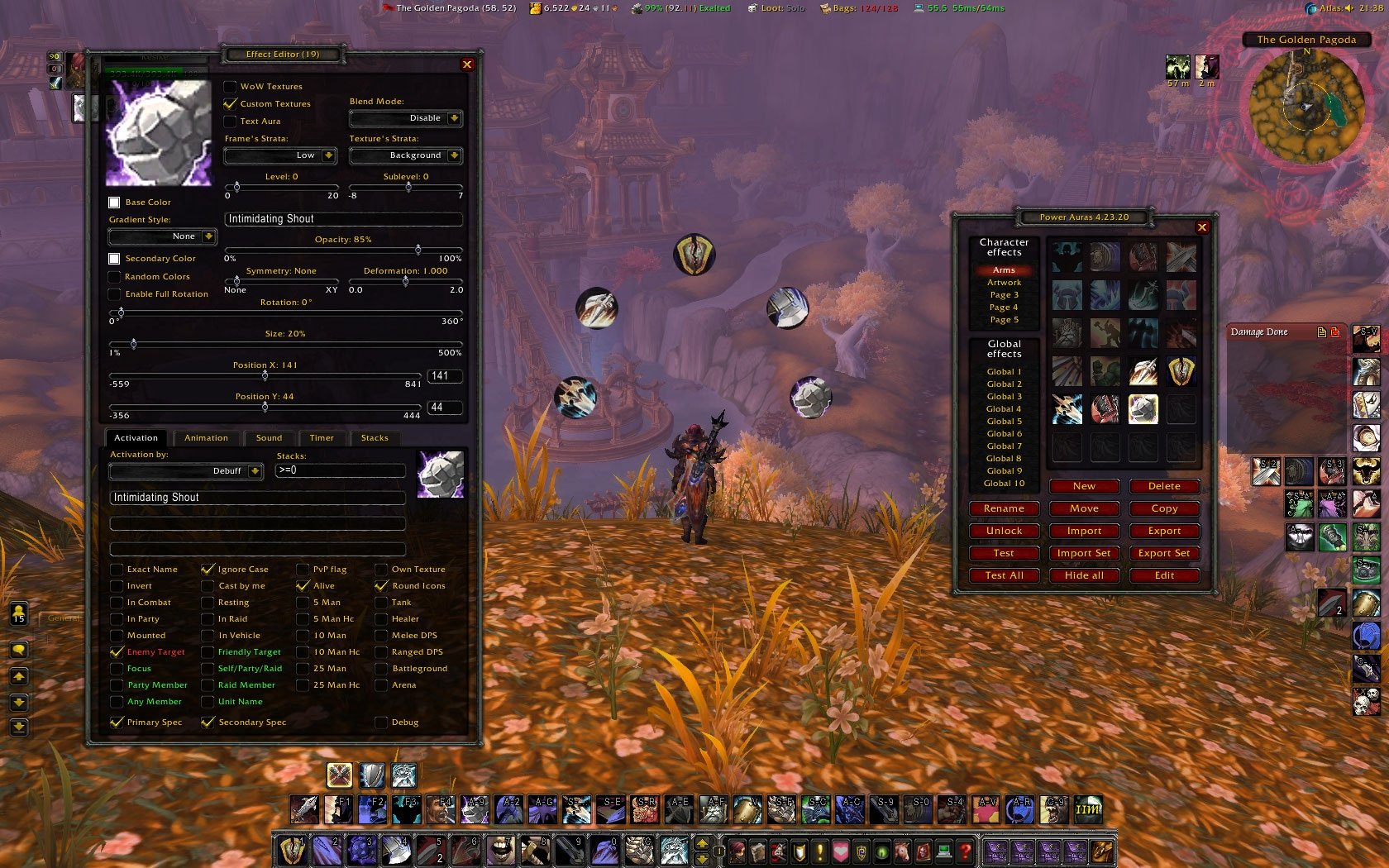
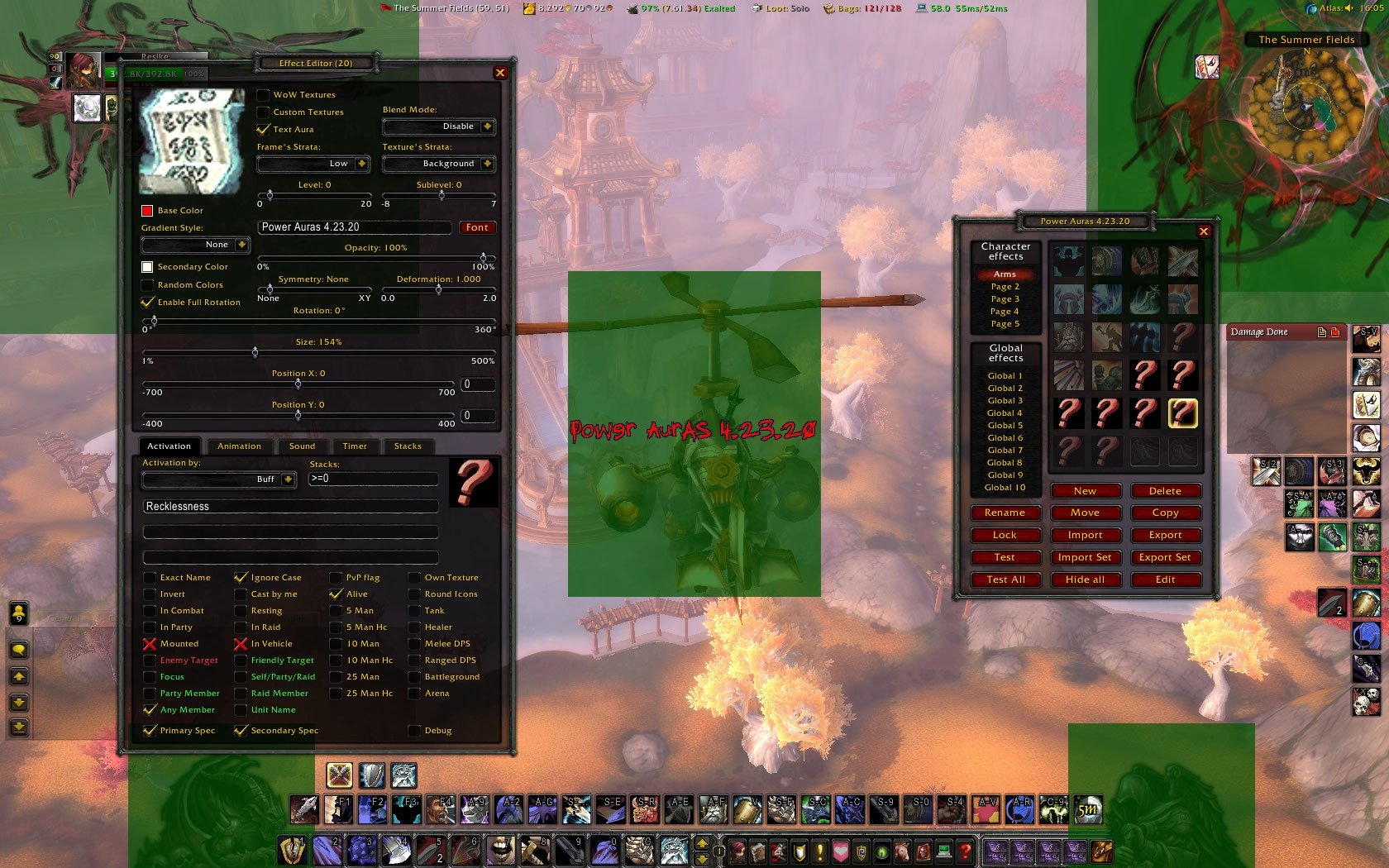
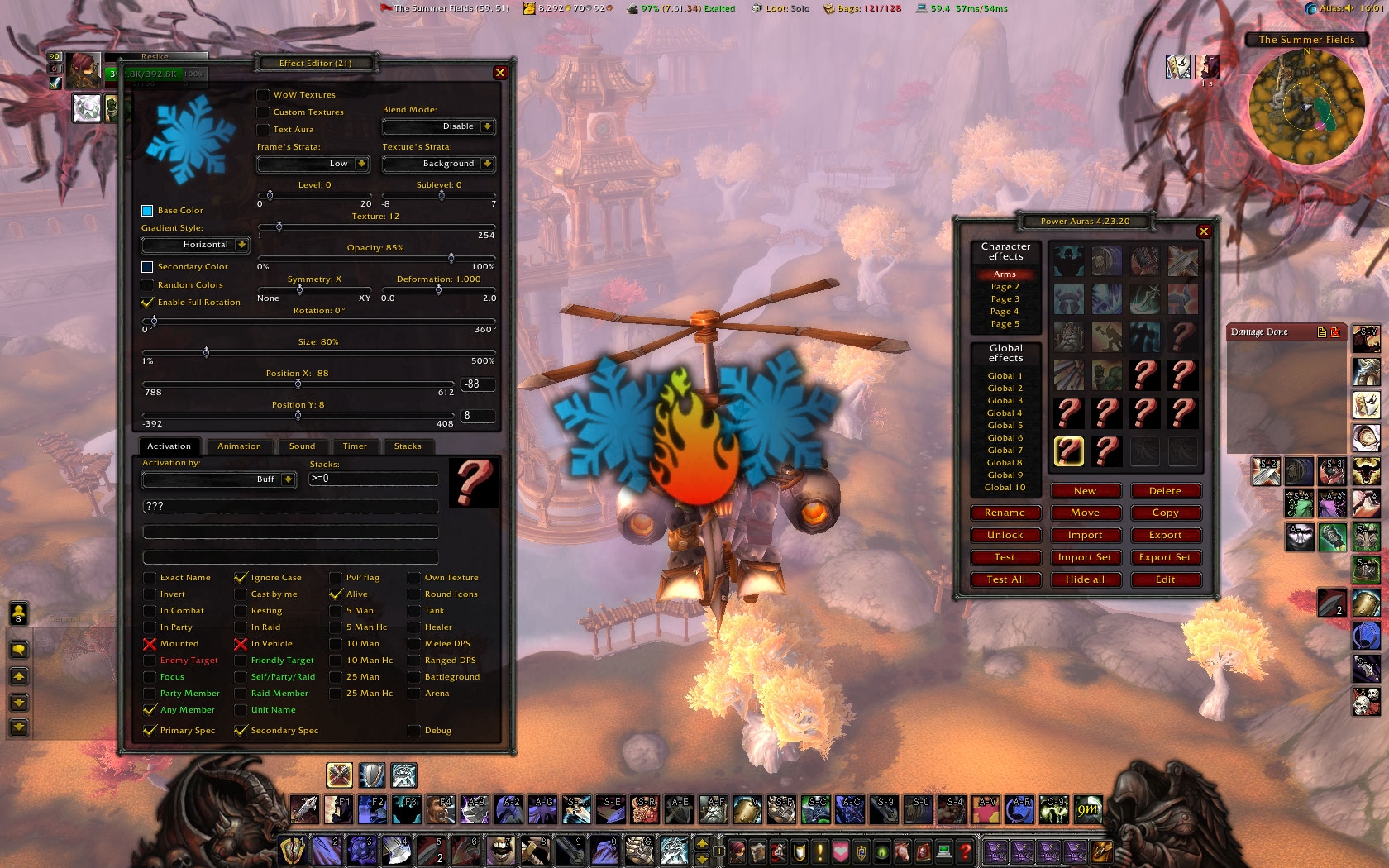
| Updated: | 06-09-13 10:26 AM |
| Created: | 09-02-12 01:40 PM |
| Downloads: | 244,831 |
| Favorites: | 200 |
| MD5: | |
| Categories: | Buff, Debuff, Spell, Casting Bars, Cooldowns, Graphical Compilations |
Power Auras Classic v4 - MoP Version 

|
Designed to give visual or audible cues to the user in response to in-game events, such as gaining buffs or debuffs. Types of cues range from simple texture displays to stack counters, timers to timer bars, and are fully user-configurable. Can be animated or have sounds attached as well. You can find the original addon here: If you upgraded to Power Auras 5, it is recommended that you remove it and restore your old WTF folder configuration files for PowerAuras if possible. If you did not upgrade to Power Auras 5, everything should work as normal. The GTFO Addon will work with both Power Auras 4 and Power Auras 5 and no update is necessary. From now the addon can be found on Curse too: Slash commands
What changed so far
Showcase videos
Poll about future updates Alpha and Beta releases |
|
* 4.23.29 - Fixed a bug with "Text Aura Size" slider. |
|
* 4.23.28 - Fixed a bug with the "Animation Speed" slider. - Other slider tweaks. - Some other smaller fixes. |
|
* 4.23.27 - Fixed a typo in CLEU. |
|
* 4.23.26 - Added support for older WoW versions. - Fixed a bug which caused models to disappear when changed aura type. - Fixed a bug which caused models to not appear, when you changed aura types, before creating the model. - Fixed a bug which caused models to change position sometimes when you loaded the addon, or changed aura type. - Fixed a bug when addon draw multiple models for the same aura. - Fixed a bug which caused the "Model Z" slider to broke off from it's frame. - Fixed a bug which caused lag spikes, while you hold down your mouse button over an unlocked aura, and moved the frame with the left, right, down, up keys. - From now you can use mousewheel up/down on the slider's editboxes too, to increase and decrease the slider's value by the value step. - Changed "Invert Aura Timer", "Animation Duration" and "Timer Duration" slider's values step to 0.01. - The addon will no longer play custom sounds when you click on an arua. - Sounds will be played when you test or hide and aura, and sound is assigned for that aura. - Sounds wont be played when you click on the "Test All" or "Hide All" button to prevent spam. - Addon now going to recheck instance type when the leader changes difficulty of an instance. - Fixed a bug with Equipment Slots. - Druid Flight form fixes. - Fixed a bug which broke 5-Man instance check button's functionality. - Added Challange Mode instance check button. - Added Scenario instance check button. - Added Heroic Scenario instance check button. - Size slider now has unlimited maximum value. - From now "Auras Locked" value is false by default. - From now "Round Timers Up" value is false by default. - Fixed a bug with "Old Animations" check button. - Fixed a bug with the "Opacity" slider. |
|
* 4.23.25 - Fixed incorrect version number in toc. - Fixed some dropdown menu taint issues. - Fixed a global. - Some other combatlog and event fixes. |
|
* 4.23.24 - Fixed Model X, Y, Z slider bugs. - Custom Models now accept any units. (player, target, focus, party1-5, raid1-25, boss1-3) |
|
* 4.23.23 - Updated for 5.3. - Reduced CPU usage by approx 10-15%. - Added an option to display 3D models from the game. - Added 163 predefinied models. - Added an option to display custom 3D models from the game. - Added X, Y, Z postiton sliders for models. - Added animation sequence slider for 3D models. - Added "Desaturate" check button, to decolorize textures. - Added an editbox for all sliders. - Fixed French localization. - Removed unused/untranslated localizations. - Fixed a coloring bug when using "Own Texutre". - Fixed a bug when closed "Equipement Slots". - Some class role inspectation fixes. - Fixed a glitch with "Aura138.tga". - Some database tweaks. - Sliders now won't redisplay the aura when they reach their minimum/maximum values. - You can enable "Own Texture" and "Round Icons" for: Stances/Pet Stances/Seals/Totems/AOE Debuffs. - Fixed a bug when you disabled not the currently active aura pages with shif+click, and incorrectly shown "OFF" text for auras which wasn't actually disabled. - Fixed a bug where icon alpha didn't decreased properly on other then "Page 1" tabs. - "Rename" editbox is now going to rename the current Page when it's focus is lost or esc is beeing pressed too. - Hopefully fixed a DK talent change bug, when presences are beeing switched. - Disabled the bugged "Text Auras" secondary animations. - Fixed a bug with flashing animation. - Fixed a bug which didnt allowed "Text Auras" random color working properly. - Fixed a bug with the secondary aura coloring. - Fixed a bug with the "Text Aura" editbox. - Fixed a bug with icon highlight beeing displayed when you open the options tab with 0 auras. - Fixed a bug with "Alternative Exports" check button. - Fixed a bug with "Timer Update Speed" Slider. - Fixed a major import/export aura bug. - Added info and logo to lua. |
|
* 4.23.22 - Fixed a leaked global from 4.23.21. |
|
* 4.23.21 - Fixed a bug which caused "Spell Cooldowns" not working properly. - Fixed a bug with "Action Useable" where it didn't updated aura properly, when you moved the spell into another action bar slot. |
|
* 4.23.20 - Millions of smaller GUI bugfixes. - Addon memory improvements. - Recoded all images with RLE loseless compression. - Added "/pa" command to bring up the options too. - Added 122 new textures from WoW. - Added 5 new Custom textures. - Added 1 new font. - Added Frame's strata changer dropdown, to change the aura frame's z index. - Added Frame level changer slider, to change the current frame's strata's z index. (0 - 20) - Added Texture strata changer dropdown, to change the aura texture's z index. - Added Texture sublevel changer slider, to change the current texture strata's z index. (-8 - 7) - With this change you can create up to 12.000 different texture layers per aura. - Fixed a bugged font. - Fixed a major moving bug, when you move the auras with the mouse. - Fixed a bug which made auras disappear while on the timer/stacks tab. - Added "Round Icons" option to round icon edges. - Removed Glow check button. - Added blend mode dropdown. - Added option for gradient colors. - Performance upgradements. - Increased preview icon's size. - Fixed an export/import bug. - Switching to wow textures and back, now wont reset the texture sliders current value, unless it's necessary, - Aura preview icon's color now will change immediately while changing color at the color picker, also when random color is changed. - Aura preview icon's color now wont change on toggled off aruas, when the "Test all" button is being pushed. - Text aura and TempPortrait icons now wont get modified by the current aura's choosen color. - Added texture rotater slider. - When more auras is opened at the same time, the effect editors icon will show the current auras color correctly. - Fixed a bug where, aura icons didn't updated when loaded a custom texture. - Removed value increaser and decreaser buttons from the sliders. - Sliders now can be adjusted with mousewheel up/down. - The default aura size now 100%. - Default alpha for new auras is now 85%. - The default aura y coodriante now 0. - Fixed a bug with "Only show seconds below 100" checkbutton. - Fixed a bug with "Wider Digits" checkbutton. - Fixed a bug with "Timer Texture" dropdown menu. - Fixed a bug with "Stacks Texture" dropdown menu. - X, Y, XY symmetry changes now wont be shown in effect editor. - Alpha sliders now can be changed to 0% too. - Deformation slider min-max value now can be set between 0-2. - Fixed font button for text auras. - Fixed a bug when you manually set max texture count. - Fixed a bug with the button itself. - Override max textures min-max value now is 1-1000. - Added "Enable Full Rotation" checkbutton, which fixes some not fully rotatable textures, when disabled. - The texure cutter algorythm is now more precise for ingame icons, and custom textures. - Hide all button now properly decreases all icon's alpha immediately. - Slider inherit changes, removed unused stuff. - Test all button now wont hide the currently opened effect editor. - Clicking on the Edit button or right clicking on an aura now going to increase it's icons alpha properly. - When you hide an aura with the Test button, it's icon's alpha now gonna get decreased properly. - When you open the aura browser while an aura is currently showing, now it's gonna decrease it's icons alpha properly. - Fixed a bug when Texture slider value was 0 and show blank aura. - Fixed a bug with Electric animation both on main, and secondary animations. - Fixed a bug with Shringing animation when it's applied on a secondary aura. - Fixed a bug with Growing animation when it's applied on a secondary aura. - Fixed a bug with Waterdrop animation when it's applied on a secondary aura. - While "Old Animation" checkbutton is enabled the "Spin the aura after shown" checkbutton is hidden. - Text auras now won't get crashed when switching "Text Aura" checkbutton. - Some text color fixes. - Some smaller slider fixes. - Tooltip and hover fixes. - Code cleanup. |
|
* 4.23.19 - Fixed a bug which didn't let the addon to use all the installed Textures (254). - Fixed a bug with old end animations, where growing and shrinking got reversed. - Increased old "Grow and Fade" and "Shrink and Fade" end animation's grow and shrink size and the speed of the animation, to fit with the new animations. - When "Old Animation" checkbutton is enabled then the dropdown menus gonna hide thoose animations which the old animations can't handle. - Fixed a bug with the "Show hundrendth" checkbutton on the "Timer" tab. - Fixed some chatbox length bug on the "Activation" tab. - Fixed "Use own Texture" checkbutton's location. - Animation's dropdown menus are now wider. - Fixed the "Power Type" dropdown menu's location. |
|
* 4.23.18 - Converted sounds to mp3. - Added new sounds. ("Bloodbath", "Vengeance", "Warpath"). - Minor fixes. |
|
* 4.23.17 - Fixed level issues with the Option frames. - Disabled aura icons alpha now can't be changed. - Added Monk's "Fist of Justice" spell as a stun. - Other smaller fixes. |
|
* 4.23.16 - Updated and fixed localizations. - Other minor fixes. |
|
* 4.23.15 - Core cleanup, round three. - Fixed a moving bug. - Replaced bugged background from the options frame. - Fixed some missing translations. - Renamed sounds. - Added new sounds. - Added new textures. - Renamed fonts. - Some other minor fixes. |
|
* 4.23.14 - Added "Changelog.txt". - Code cleanup, round two. - Fixed "aggro.ogg" sound. - Fixed missing clicking sound on some buttons. - Menu layout tweaks. - Option table border fixes. - Added some missing button and string localizations. - Removed "Ranged Slot" from Equipment Slots. - Equipment Slot frame tweaks. |
|
* 4.23.13 - Total code cleanup. - Merged localizations. - Fixed bugged "Send" and "Cancel" buttons on "Export" and "Export Set" dialog. |
|
* 4.23.12 - Support for Patch 5.2. |
|
* 4.23.11 - Support for Patch 5.1. |
|
* 4.23.10 - Fixed Warlock Shards max power from 3 to 4. - Fixed incorrect version numbering. |
|
* 4.3.9 - Fixed raid frame taint issues. (thanks to Resike) |
|
* 4.3.8 - Non-Fire Mage GCDs are properly ignored in auras. |
|
* 4.3.7 - Fixed Chi (Light Power) max power from 4 to 5. |
|
* 4.3.6 - Fixed totem aura update lag. |
|
* 4.3.5 - Warrior GCDs are properly ignored in auras, for reals this time. |
|
* 4.3.4 - Master of Ghouls is now properly detected. - Paladin, Warrior, and Monk GCDs are properly ignored in auras. |
|
* 4.3.3 - Fixed glyph taint issues. (thanks to Resike) - Fixed action usable so abilities that are charging up but still have active charges on them show up as usable. |
|
* 4.3.2 - Added support for special power tracking for Shadow Orbs, Burning Embers, Demonic Fury, and Chi. |
|
* 4.3.1 - Updated Paladin Holy Power from 3 to 5. |
|
* 4.3 - Updated the code to be compatible with MoP 5.0.4. |
 |
Comment Options |
 09-19-13, 01:29 PM
|
||
|
A Pyroguard Emberseer
 Forum posts: 1290
File comments: 246
Uploads: 12
|
|
|

|

|
| Resike |
| View Public Profile |
| Send a private message to Resike |
| Find More Posts by Resike |
| Add Resike to Your Buddy List |
|
09-19-13, 12:23 PM
|
|
|
A Fallenroot Satyr
Forum posts: 27
File comments: 37
Uploads: 3
|
need workaround
 |
|
|
|
| Anja |
| View Public Profile |
| Send a private message to Anja |
| Find More Posts by Anja |
| Add Anja to Your Buddy List |
|
09-17-13, 05:28 AM
|
|
|
A Pyroguard Emberseer
Forum posts: 1290
File comments: 246
Uploads: 12
|
Damn 5.4
5.4 Slider Issues:
Bug: As of 17359, when using the thumb control for Slider, the 'value step' property is ignored, which causes any thumb control movement to change the value, and allows every intermediate value to be set. This happens using either 'valueStep' attribute or 'SetValueStep' Lua function. The 'value step' property does however appear to correctly affect the new 'steps per page' property. Untill this bug is in the game try to only set slider with its editbox or with the mousewheel, else you might create corrupted auras. If blizzard won't fix this by tomorrow i'll make a workaround.
Last edited by Resike : 09-17-13 at 05:35 AM.
|
|
|
|
| Resike |
| View Public Profile |
| Send a private message to Resike |
| Find More Posts by Resike |
| Add Resike to Your Buddy List |
|
09-15-13, 07:41 AM
|
||
|
A Pyroguard Emberseer
Forum posts: 1290
File comments: 246
Uploads: 12
|
Re: New Mage Mastery, Icicles?
Because if it's not a buff and can't be tracked currently, then there is nothing we can do untill Blizzard fixes this event. Also the stored damage is stored in that buff's tooltip, and if we can't see the buff than we can't see how much damage is it storing. |
|
|
|
|
| Resike |
| View Public Profile |
| Send a private message to Resike |
| Find More Posts by Resike |
| Add Resike to Your Buddy List |
|
09-14-13, 11:38 PM
|
|
|
A Kobold Labourer
Forum posts: 1
File comments: 30
Uploads: 0
|
New Mage Mastery, Icicles?
I just came back for 5.4 after taking a month off, and I just read something disturbing on the Wow Mage forums.
Do you know. . . Are there really no events for Icicles proccing and no API access to any info about Icicles? I dislike the in-game effect, which is hidden behind tons of PA effects I already have floating around my head. I was surprised when I first hit a dummy and saw the in-game effect but didn't see any corresponding buff to base a Power Auras effect on. I'd love to be able to track how many Icicles I currently have up with Power Auras, or even track the stored damage and duration of each one in a mod similar to the Living Bomb and Combustion tracker mods that became popular awhile back. |
|
|
|
| Raging_Sage |
| View Public Profile |
| Send a private message to Raging_Sage |
| Find More Posts by Raging_Sage |
| Add Raging_Sage to Your Buddy List |
|
08-20-13, 11:43 AM
|
|||
|
A Pyroguard Emberseer
Forum posts: 1290
File comments: 246
Uploads: 12
|
Re: Re: fyi
Last edited by Resike : 08-20-13 at 11:45 AM.
|
||
|
|
|
| Resike |
| View Public Profile |
| Send a private message to Resike |
| Find More Posts by Resike |
| Add Resike to Your Buddy List |
|
08-18-13, 02:38 AM
|
|
|
A Kobold Labourer
Forum posts: 0
File comments: 16
Uploads: 1
|
thx
 |
|
|
|
| Bigusse |
| View Public Profile |
| Send a private message to Bigusse |
| Find More Posts by Bigusse |
| Add Bigusse to Your Buddy List |
|
08-17-13, 01:37 PM
|
||
|
A Pyroguard Emberseer
Forum posts: 1290
File comments: 246
Uploads: 12
|
|
|
|
|
|
| Resike |
| View Public Profile |
| Send a private message to Resike |
| Find More Posts by Resike |
| Add Resike to Your Buddy List |
|
08-16-13, 07:08 AM
|
|
|
A Kobold Labourer
Forum posts: 0
File comments: 16
Uploads: 1
|
|
|
|
|
| Bigusse |
| View Public Profile |
| Send a private message to Bigusse |
| Find More Posts by Bigusse |
| Add Bigusse to Your Buddy List |
|
08-16-13, 07:01 AM
|
|
|
A Kobold Labourer
Forum posts: 0
File comments: 16
Uploads: 1
|
4.23.30 Alpha 23
Readded mask textures and sounds. THX |
|
|
|
| Bigusse |
| View Public Profile |
| Send a private message to Bigusse |
| Find More Posts by Bigusse |
| Add Bigusse to Your Buddy List |
|
08-16-13, 06:47 AM
|
||
|
A Pyroguard Emberseer
Forum posts: 1290
File comments: 246
Uploads: 12
|
|
|
|
|
|
| Resike |
| View Public Profile |
| Send a private message to Resike |
| Find More Posts by Resike |
| Add Resike to Your Buddy List |
|
08-16-13, 06:15 AM
|
|
|
A Kobold Labourer
Forum posts: 0
File comments: 16
Uploads: 1
|
I do not like this version of "Gas Mask" on this version of "Power Auras" we have the posibility to change the color, the percentage activation of all effect, size, intensity ....
Another problem with this add-on the effects of blood and too much for a character like mine. But the damage based on the criteria and I'm a high level player. So the effect and too intrusive. http://eu.battle.net/wow/fr/characte...gusse/advanced Here I find it a shame to have completely removed the add-on. A small gesture ? Edit : That's a bit what happens to me. This ecrant old and assertions for other effect but the effect cased glass and Still the same prints. http://imageshack.us/a/img69/885/66yn.jpg |
|
|
|
| Bigusse |
| View Public Profile |
| Send a private message to Bigusse |
| Find More Posts by Bigusse |
| Add Bigusse to Your Buddy List |
|
08-16-13, 05:46 AM
|
||
|
A Pyroguard Emberseer
Forum posts: 1290
File comments: 246
Uploads: 12
|
Re: fyi
http://wow.curseforge.com/addons/pow...ssic-v4/files/ Also what you do when the errors pops? However seems like in both version thoose functions should be fine, i think you might have a corrupted installation problem or something.
Last edited by Resike : 08-16-13 at 05:58 AM.
|
|
|
|
|
| Resike |
| View Public Profile |
| Send a private message to Resike |
| Find More Posts by Resike |
| Add Resike to Your Buddy List |
|
08-16-13, 05:43 AM
|
||
|
A Pyroguard Emberseer
Forum posts: 1290
File comments: 246
Uploads: 12
|
http://www.curse.com/addons/wow/bloody-mask It's not ready yet, i'll be working on in in the future. The .pkgmeta is a file that is needed for to create a repository on curseforge. This means you will be able to download alpha version with the curse client, if you right click on the addon's name in the curse client and set the "Prefered Realase Type" to alpha. Most of the changes from 4.23.30 Alpha 15 are for the curseforge git alpha repository support.
Last edited by Resike : 08-16-13 at 05:48 AM.
|
|
|
|
|
| Resike |
| View Public Profile |
| Send a private message to Resike |
| Find More Posts by Resike |
| Add Resike to Your Buddy List |
|
08-15-13, 07:42 PM
|
|
|
A Defias Bandit
Forum posts: 3
File comments: 187
Uploads: 0
|
fyi
these errors are from the newest release on curse http://wow.curseforge.com/addons/pow...as-classic-v4/
same version type let me know if its totally different. |
|
|
|
| twopro |
| View Public Profile |
| Send a private message to twopro |
| Find More Posts by twopro |
| Add twopro to Your Buddy List |
|

